
How to create and edit the Memory
by admin
about
Date: January 01, 2025
Location: Kitchener, ON, Canada
Description
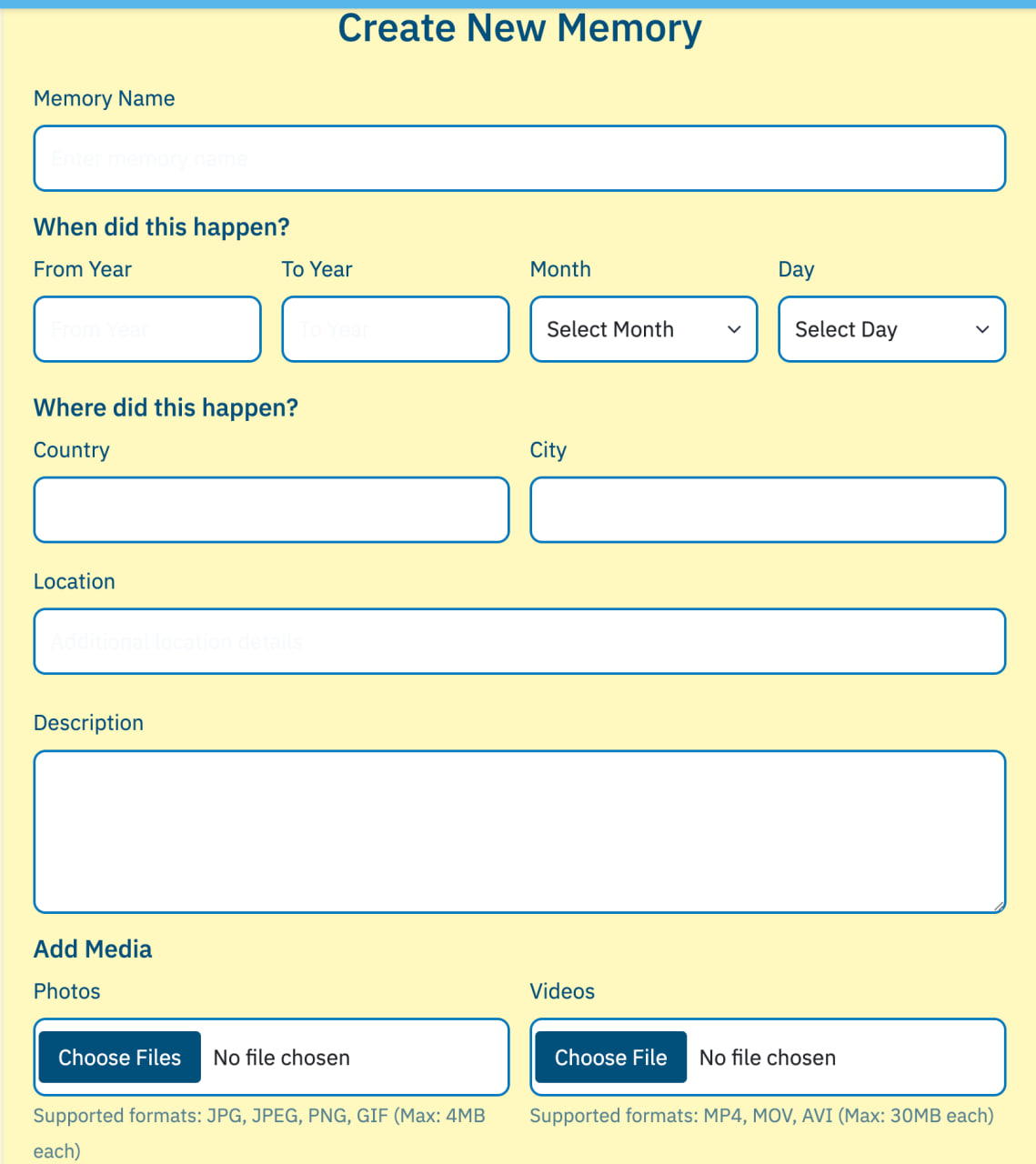
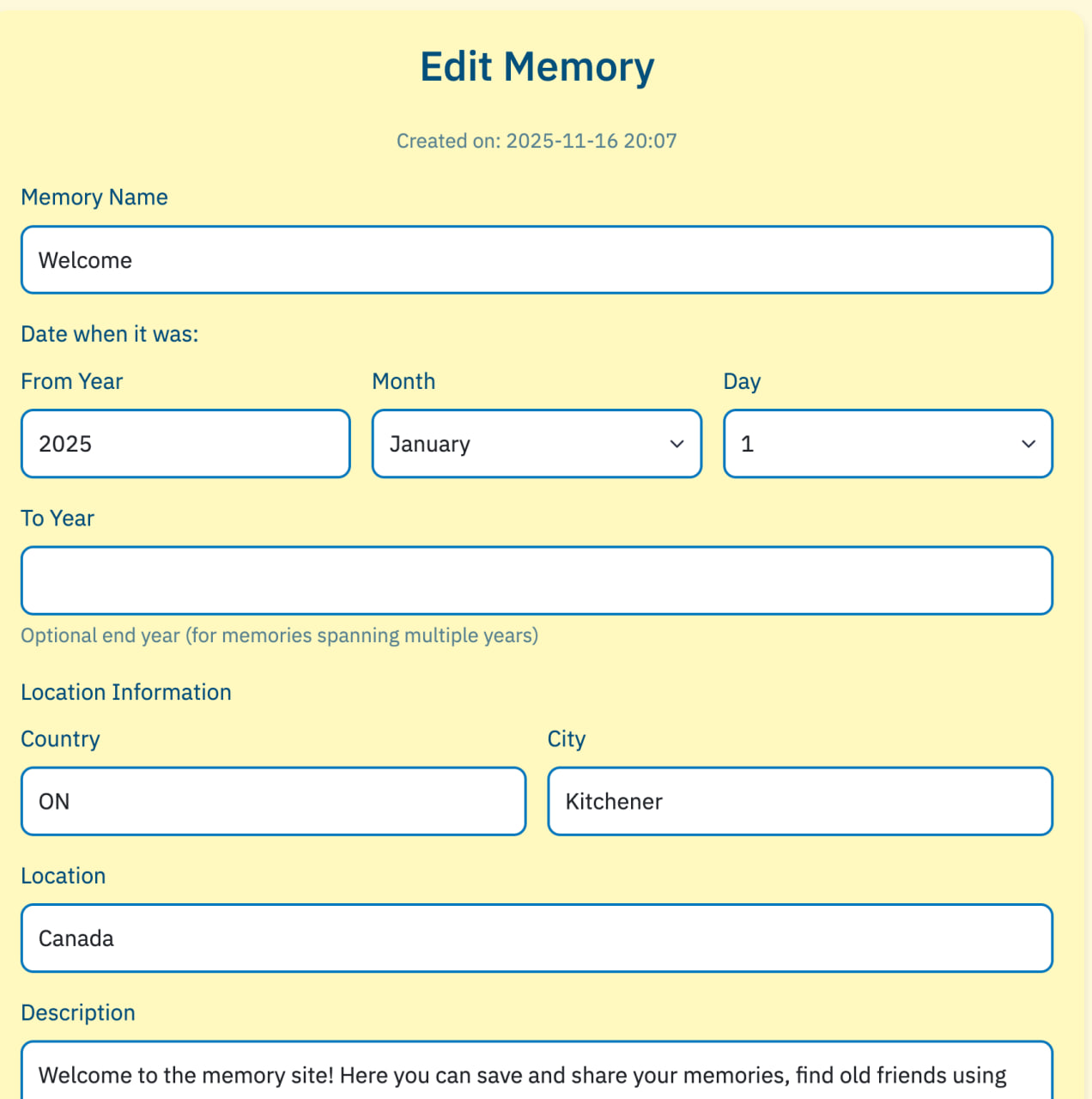
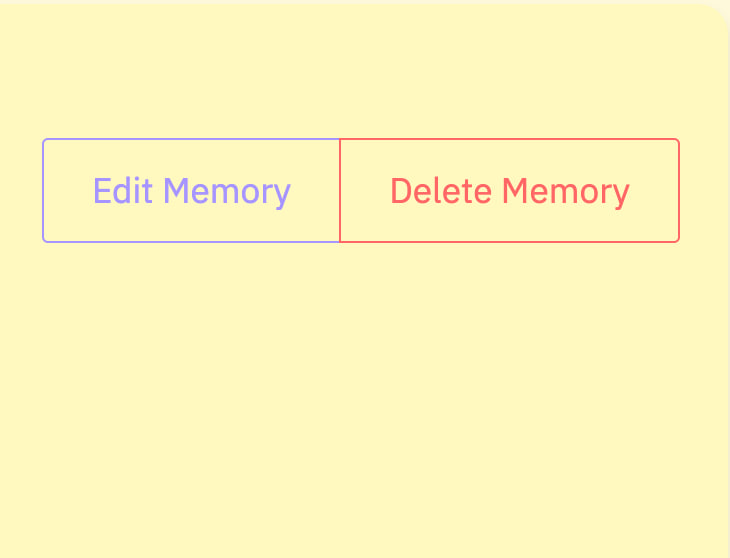
You can create your Memories on this site: 1. In the My Memories section, select the "Create a new Memory" button in the upper right corner of the screen. 2. On the Create a New Memory page that opens, fill in the fields so you and your friends can quickly find it. 3. In the "Description" field, add text of your Memory. You can also add 3 photos and 1 video to each Memory. 4. For easier searching, you can add Tags. 5. By default, your Memory is visible to everyone in the Public mode. However, you can restrict viewing by selecting Private, in which case only you can see your Memory. You can also select Selected Users. 6. After clicking the blue Create Memory button at the bottom of the screen, your Memory will appear on the Home page and, of course, on your own page. 7. If you need to correct or add anything, you can use the Edit function: 1. Select the desired Memory on your "My Memories" page. 2. Below it, there's a "View Details" button. Click it, and the Edit and Delete buttons will appear in the upper right corner of that Memory's page. 3. Click the desired one and edit, change what you want, and don't forget to click the "Save Changes" button after editing... And of course, you can delete this Memory and create a new one. */ Sometimes reaction after you pressed button maybe slovly, especial if you used Translator, sorry, we try to do it better as soon, as it possible.
Photos
Videos
Comments
No comments yet. Be the first to comment!